Create cards
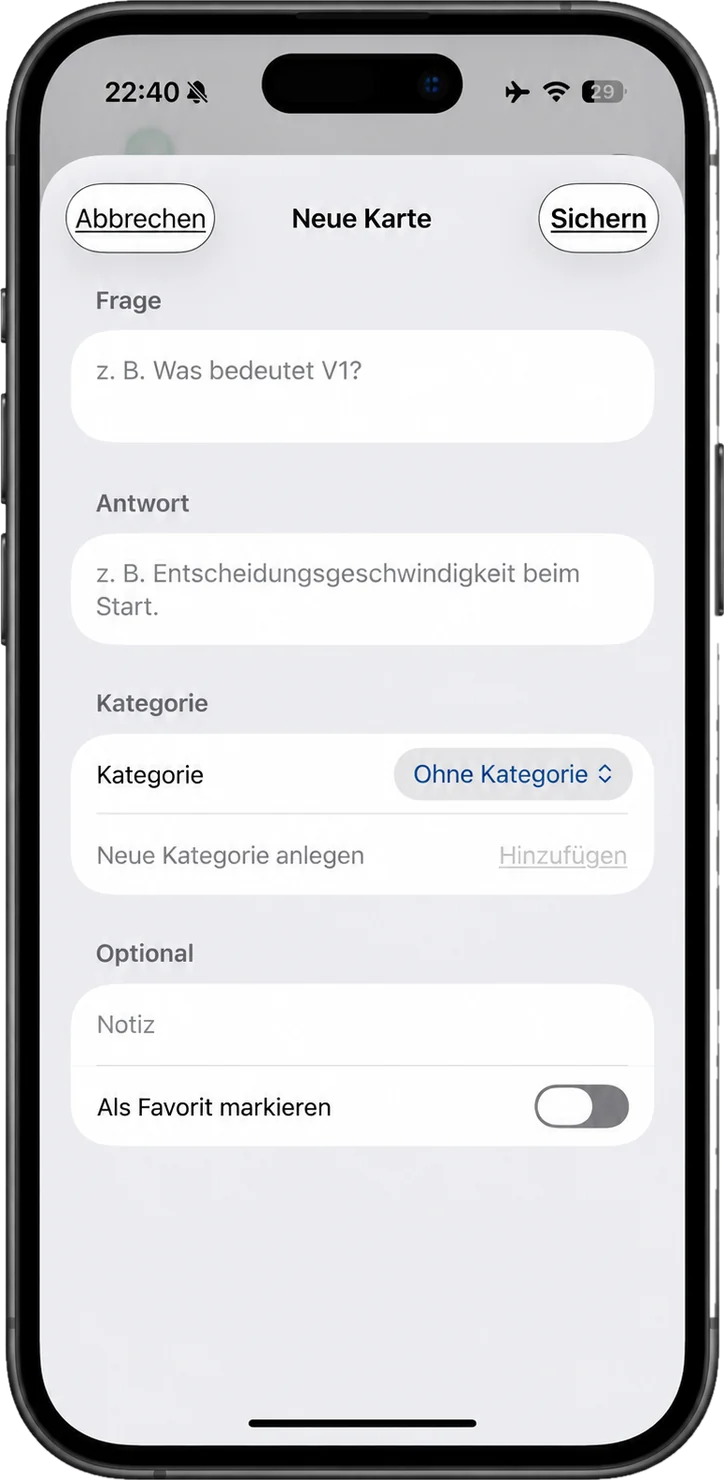
Question on one side, answer on the other. There are no more fields than that, and none are needed.
Oops Studios / Apps / LearnFlip
App for iPhone and iPad
Studying is complicated enough. The flashcards don't have to be. Write your own cards, sort them into categories, let the app ask in random order — and keep flipping until it sticks.
Features
No learning paths, no points, no streaks designed to make you feel guilty.
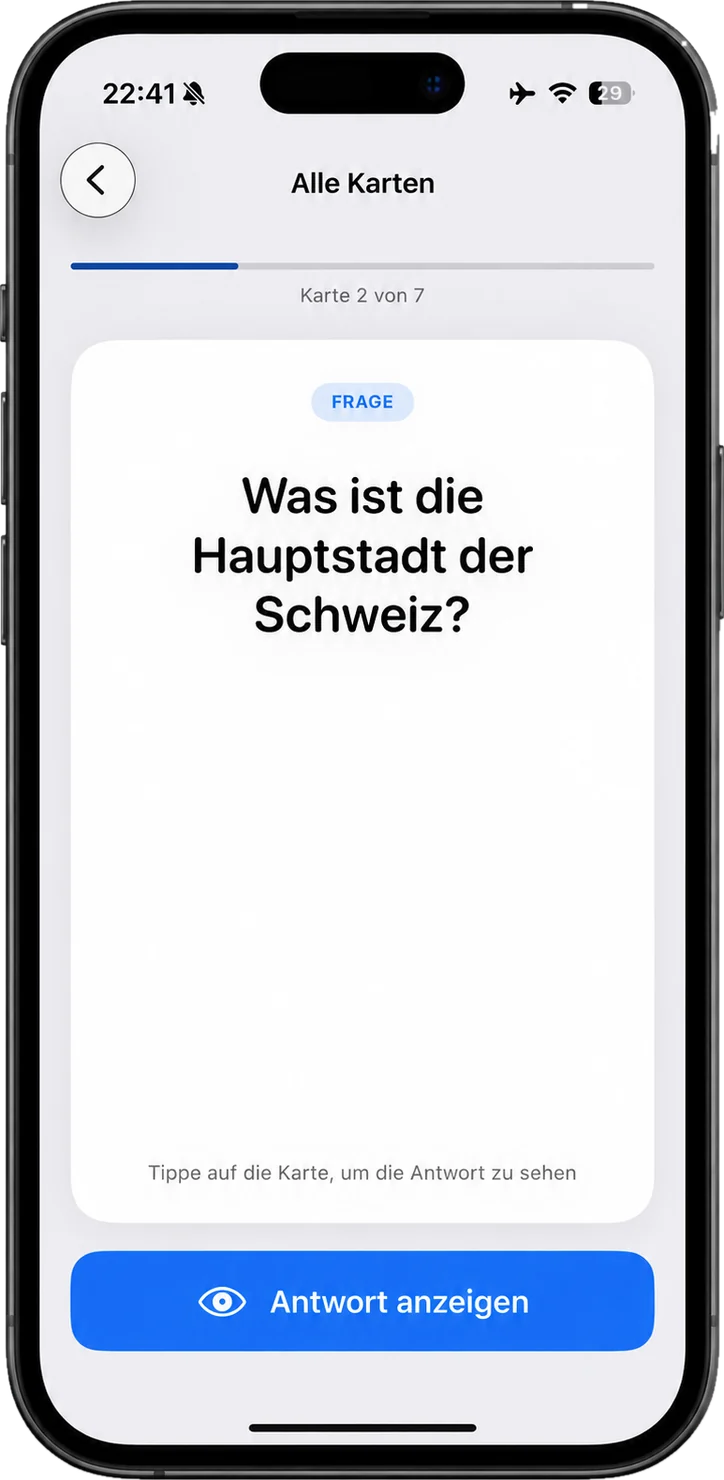
Question on one side, answer on the other. There are no more fields than that, and none are needed.
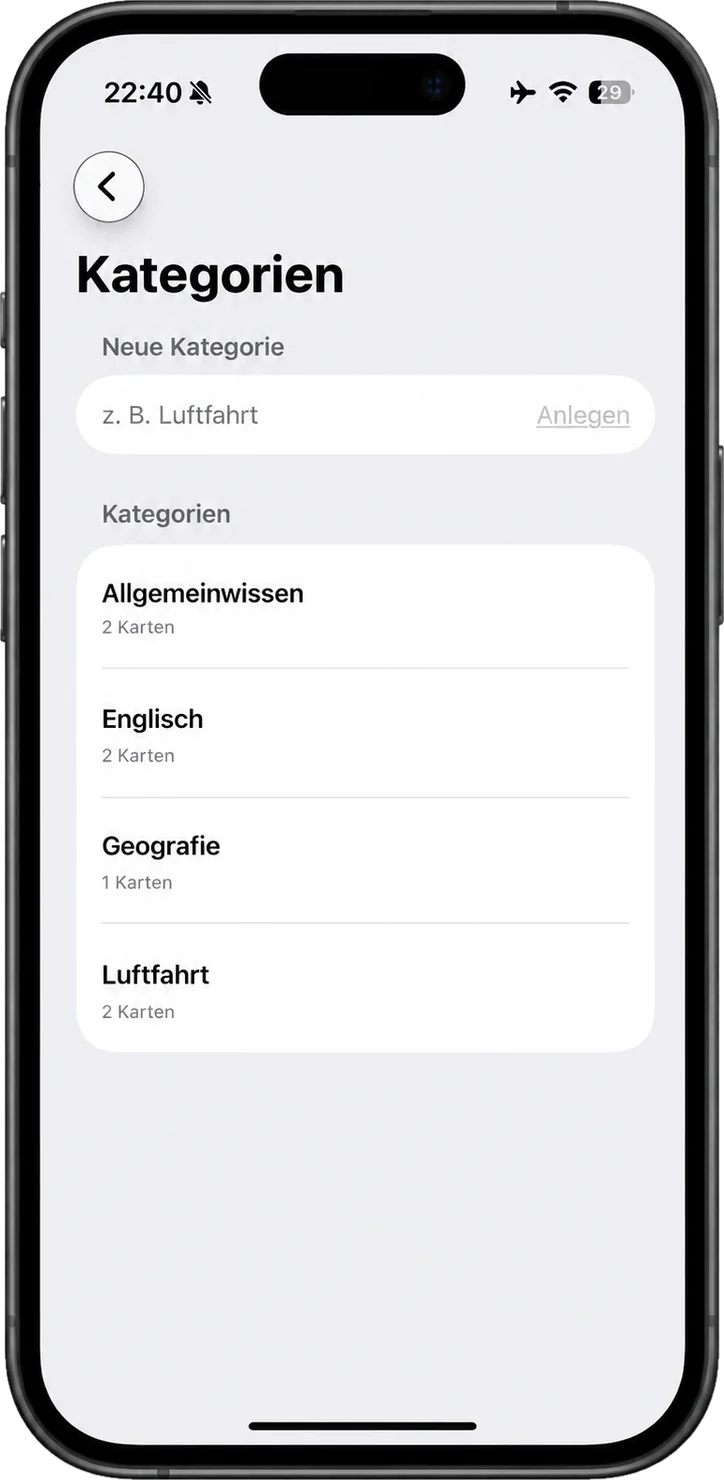
Sort cards into your own sets — by subject, topic or exam. Every category can be studied on its own.
Random mode shuffles the order, so you learn the answer instead of its position in the stack.
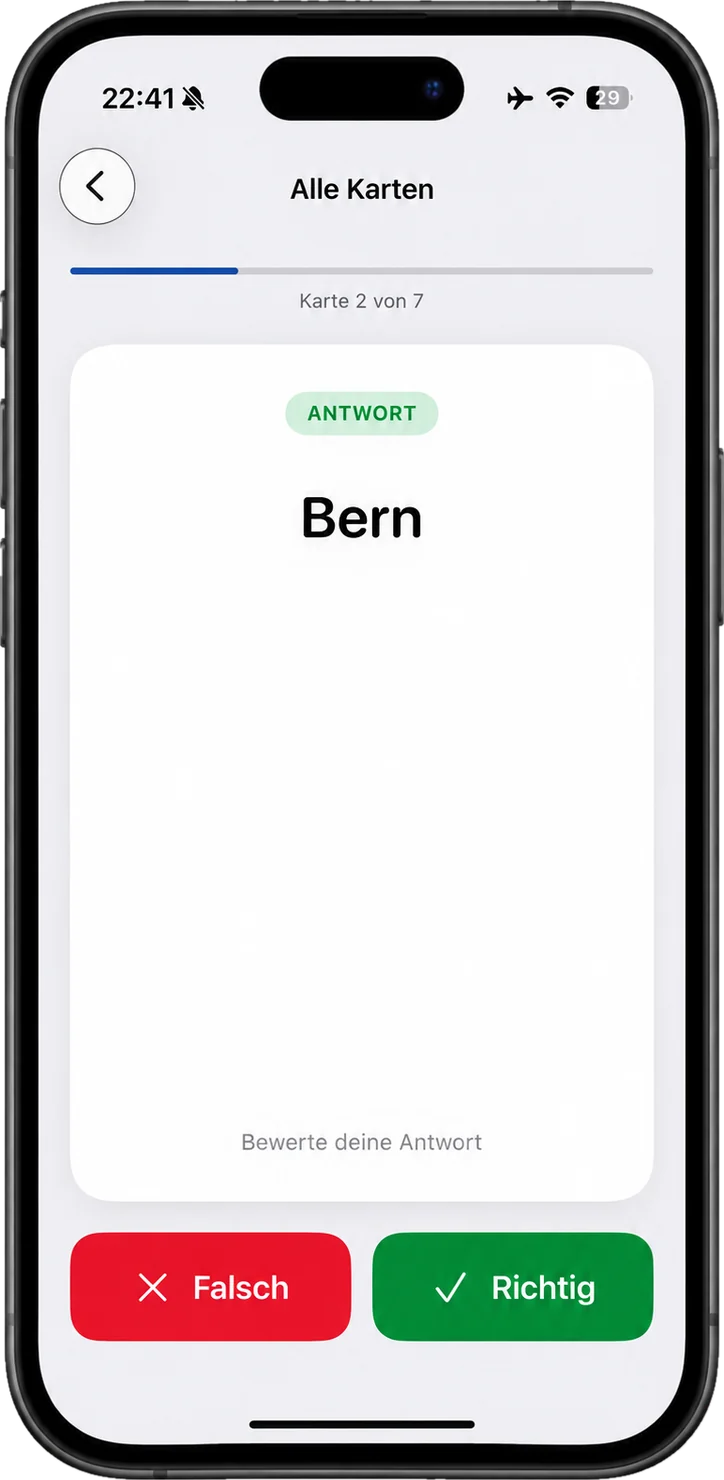
Guess first, then flip. That short moment before the reveal is where the learning actually happens.
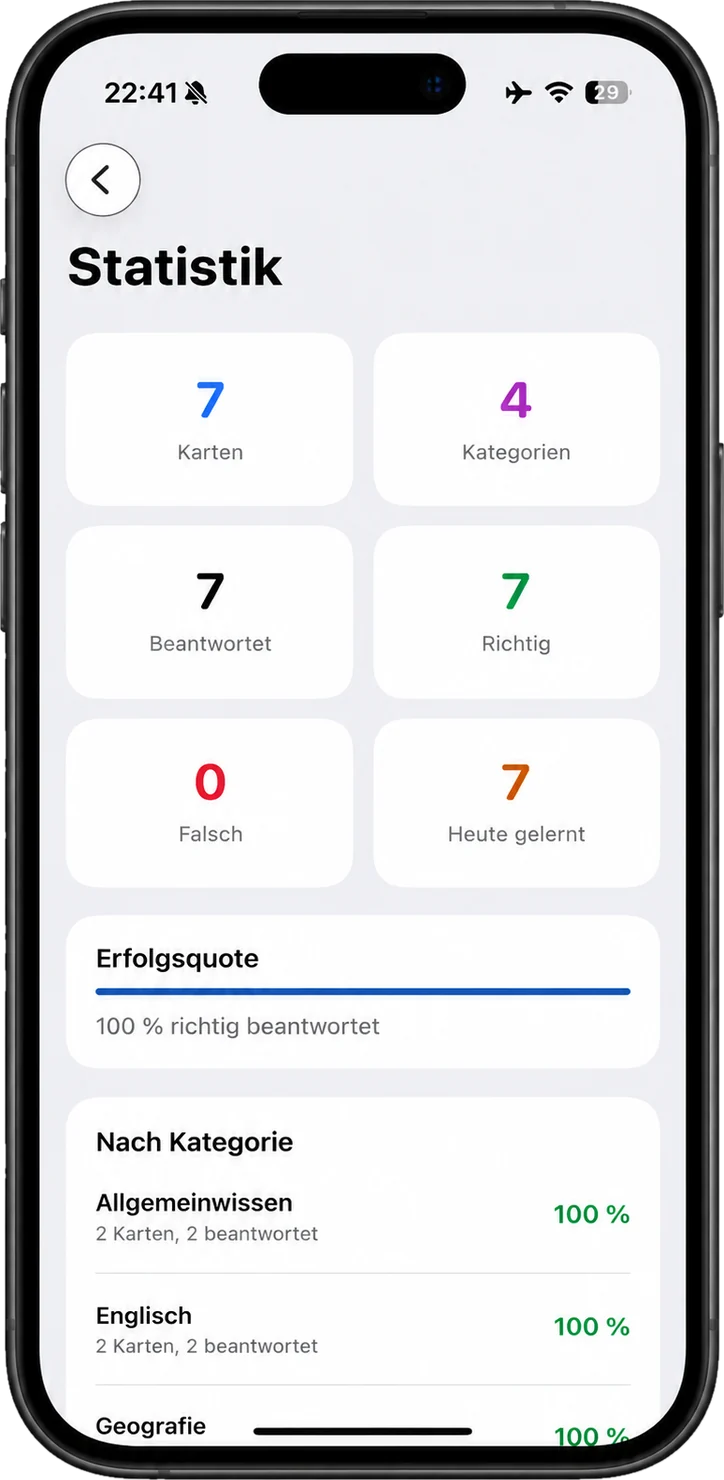
What you've worked through and where you stand. Plain numbers instead of motivational badges.
Save your cards as a file, move them to another device or share them. You trigger it, not the app.
LearnFlip is available in several languages. What's written on your cards is up to you anyway.
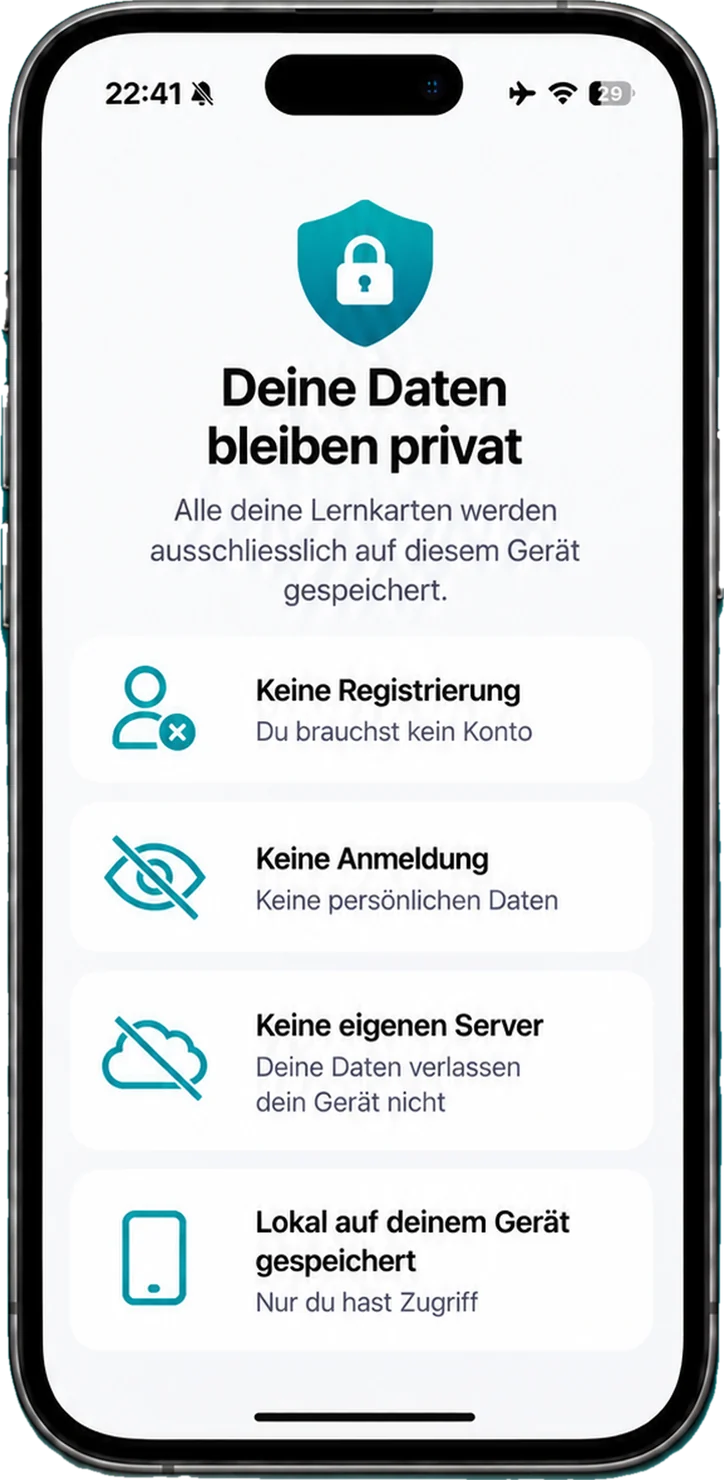
Your cards live in your device's app storage. No account, no login, nothing sent to us automatically.
What it looks like
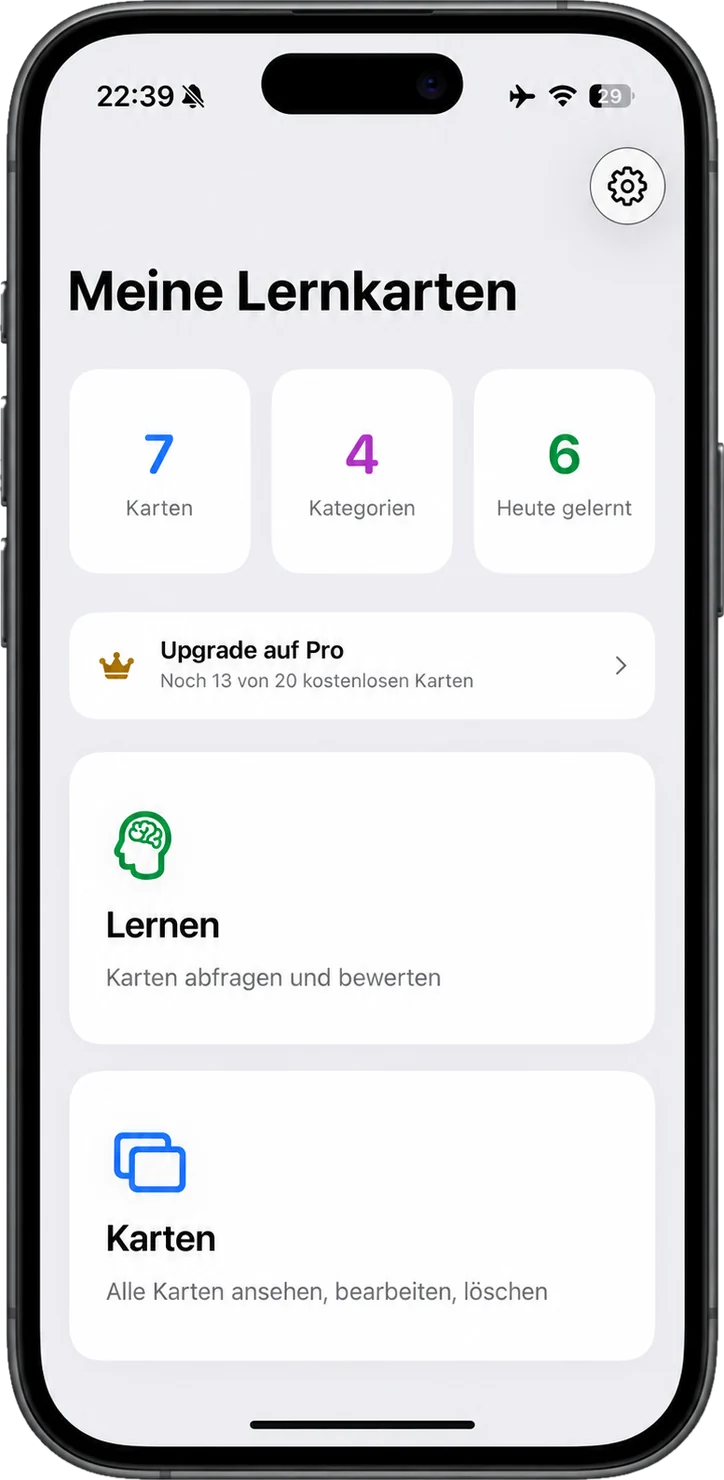
LearnFlip follows the system — portrait on iPhone, portrait or landscape on iPad.
iPhone
iPad
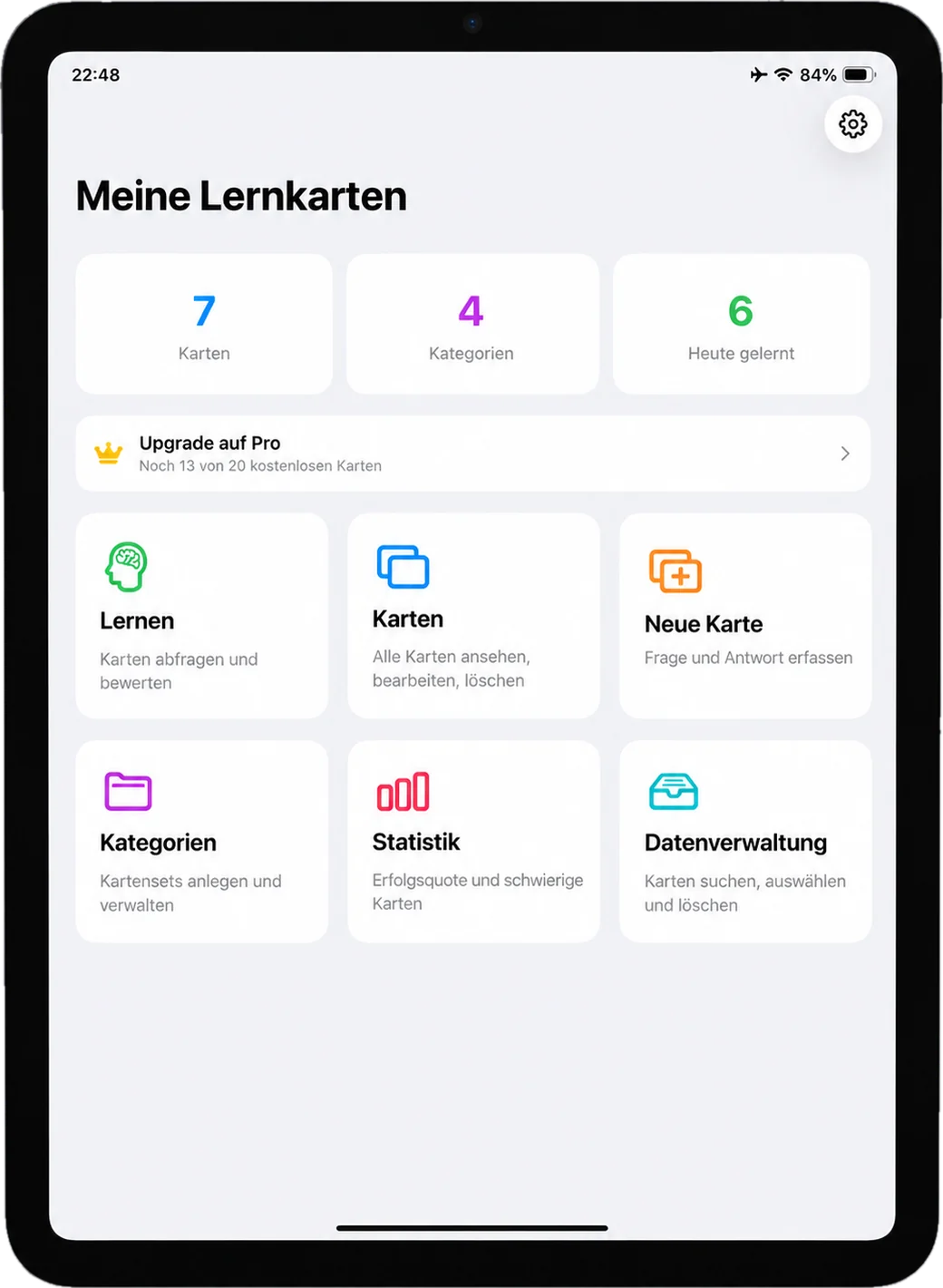
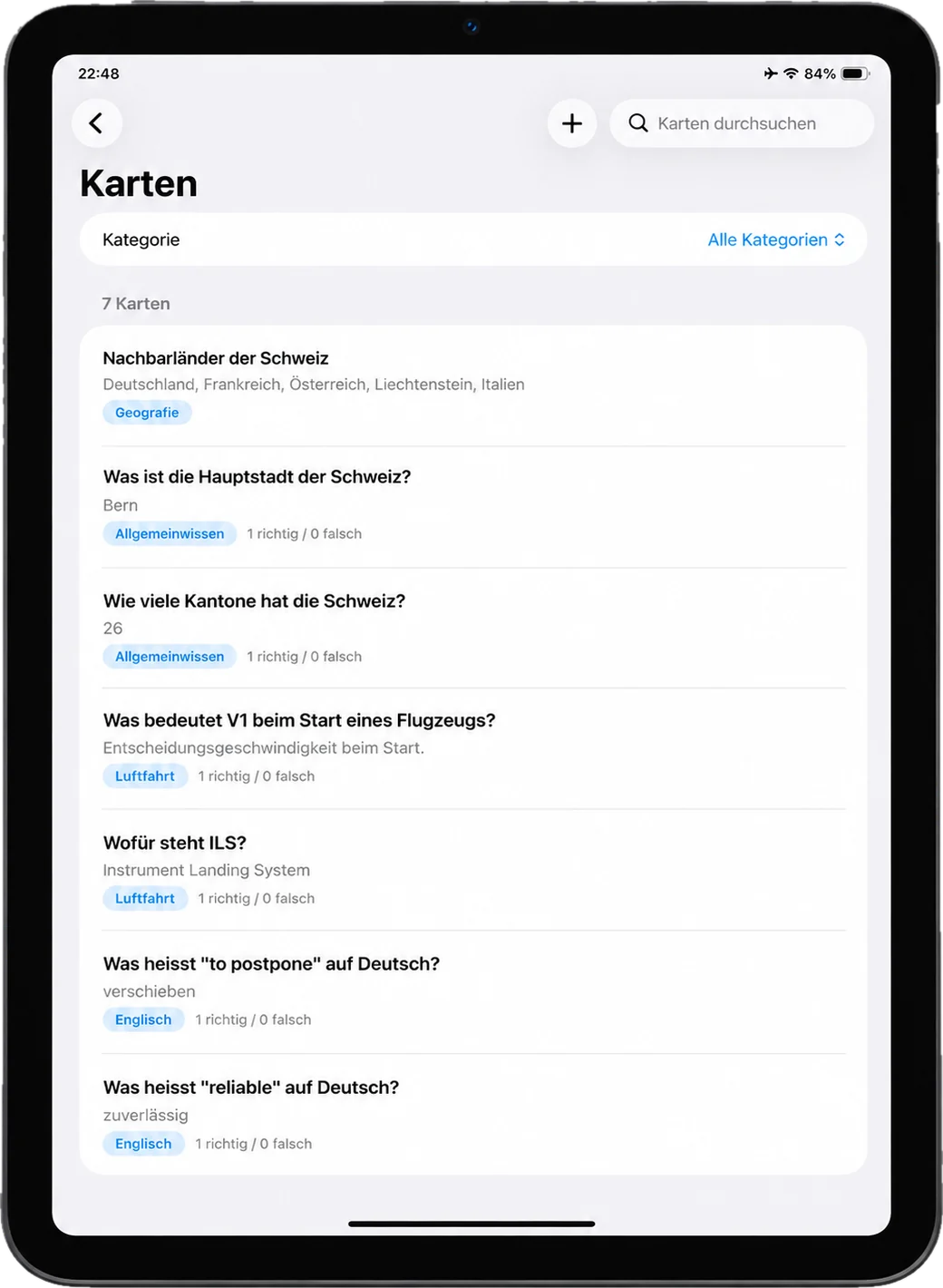
It's the moment the right answer actually sticks. LearnFlip doesn't count your failed streaks — it simply puts the card back into the stack.
Free and Pro
Current prices are shown in the App Store — that's also where billing happens.
For trying it out and for smaller stacks.
No time limit
For when a few cards turn into a whole semester.
Purchase and billing via the App Store
Your data
What exactly that means is set out in the privacy policy.
Cards, categories, favourites and study progress are kept in your iPhone's or iPad's app storage.
LearnFlip currently needs no login and creates no user account with us.
All details on local data, in-app purchases and Apple as a third party.